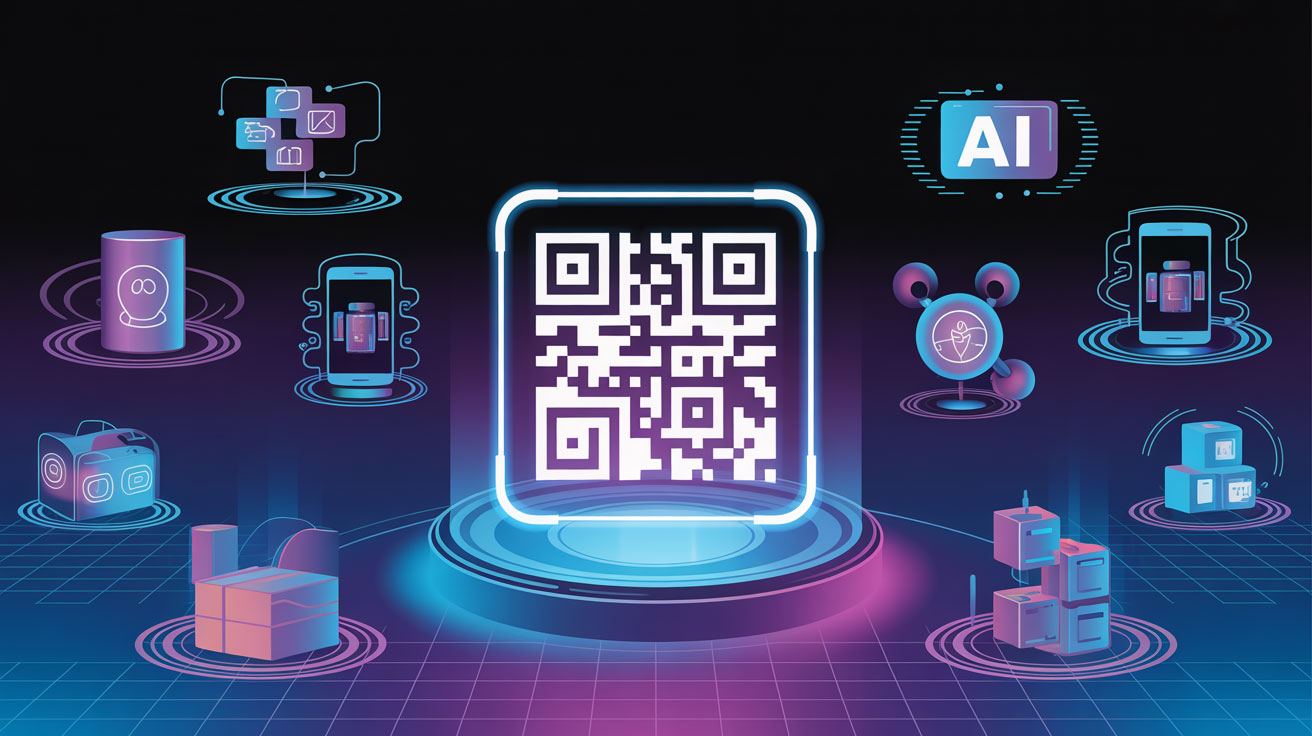
QR codes are everywhere — on products, posters, menus, payments, and cards. Yet many still see them as just a square that opens a link. In reality, they turn any physical surface into a measurable digital gateway.
That Little Square on Everything — Finally Explained
You've seen it on restaurant menus. On product packaging. On billboards. On business cards. On your doctor's prescription. On event tickets. On a T-shirt someone was wearing at a startup event.
That little black-and-white square is a QR code — and in 2026, it's everywhere.
But here's the thing: most people know what a QR code looks like. Far fewer understand what it actually does, how to use it properly, what benefits it brings, and how powerful it becomes when you pair it with analytics.
This guide is your complete beginner-to-advanced breakdown. Whether you're a student, a shop owner, a freelancer, or a brand — this one's for you.
First, What Exactly Is a QR Code?
QR stands for Quick Response. A QR code is a two-dimensional (2D) barcode that stores information — like a website URL, a phone number, a plain text message, a WiFi password, a payment link, or virtually any piece of data.
Unlike a regular barcode (which is only read left-to-right), a QR code is read in two directions — both horizontally and vertically — which means it can store significantly more information in a tiny space.
Originally invented in 1994 by Denso Wave, a subsidiary of Toyota, QR codes were created to track car parts during manufacturing. Fast forward to today — from being used to track vehicles during manufacturing to becoming one of the biggest marketing trends of the decade, QR codes have come a long way.
Why QR Codes Are Bigger Than Ever in 2026
Before we dive into the how-to, let's talk about the scale of what's happening:
323%
Usage surge between 2021-2024
2.2B
People using QR codes by 2025
1 Trillion
QR codes scanned worldwide in 2025
94%
Of marketers increased QR usage
50%
Gen Z & Millennials scan weekly
2.5 sec
Average transaction time
The conclusion is clear: QR codes are not a trend. They are everyday infrastructure.
How Do QR Codes Work? (The Simple Explanation)
Here's the magic in plain English:
Data is encoded
When you create a QR code, the information you want to share (a URL, text, payment link, etc.) is converted into a pattern of black and white squares.
The pattern is displayed
That pattern becomes your QR code — an image you can print, display on screen, or embed anywhere.
A device reads it
When someone points their phone camera at the QR code, the camera decodes the pattern and retrieves the original information.
Action is triggered
The user's phone instantly opens a website, shows contact details, connects to WiFi, launches a payment page, or performs whatever action the code was programmed for.
The entire process takes under 3 seconds. The average transaction made with a QR code takes just 2.5 seconds.
How to Scan a QR Code — Step by Step
You don't need a special app anymore. Here's how to do it on any modern smartphone:
On iPhone (iOS 11 and above)
- Open your Camera app
- Point it at the QR code (no need to click anything)
- A notification will appear at the top — tap it
- Done! You're redirected to the content
On Android (Most Models)
- Open your Camera app or Google Lens
- Point at the QR code
- A link/action prompt will appear — tap it
- Done!
💡 Pro Tip: Make sure the QR code is well-lit and your camera is steady. If it doesn't scan, move slightly closer or farther.
How to CREATE a QR Code — It's Easier Than You Think!
Creating a QR code takes less than 30 seconds. Here's how:
Go to NanoQR.in
Visit nanoqr.in — no sign-up, no payment, no fuss.
Choose Your QR Type
Pick what you want your QR code to link to: URL, Text, Email, Phone, WiFi, Payment, Location, or PDF.
Enter Your Content
Type or paste your URL, message, or details.
Generate & Download
Click Generate → Download your QR code in high resolution — ready for print or digital use!
That's it. ✅
Types of QR Codes You Can Create
| QR Type | What It Does |
|---|---|
| 🌐 URL / Website | Opens any website or landing page |
| 📝 Text | Displays a plain text message |
| Opens a pre-filled email | |
| 📞 Phone / Contact | Dials a number or saves a contact |
| 📶 WiFi | Connects to WiFi automatically |
| 💳 Payment | Opens a payment link |
| 📍 Location | Opens Google Maps |
| 📄 PDF / File | Shares a document |
Top 10 Benefits of Using QR Codes
Still wondering if QR codes are worth it? Here are 10 powerful reasons:
Instant Information Access
People use QR codes to track deliveries, watch how-to videos, verify product authenticity, or jump straight into customer support.
Incredibly Cost-Effective
QR codes are inexpensive and simple compared to traditional advertising — quickly created and shared with minimal investment.
Works Everywhere
Implement across email, product packaging, events, print ads, and in-store displays. One tiny square does it all.
Bridges Physical & Digital
Bring users to websites, share PDFs, collect payments, and more — seamlessly connecting offline to online.
Boosts Purchase Intent
79% of consumers are more likely to purchase products with a scannable barcode providing additional information.
Higher Engagement
QR-initiated journeys have an average CTR of 37% — much higher than standalone campaigns or channels.
Eco-Friendly & Sustainable
Replace bulky manuals, brochures, and flyers with one scan — reducing waste with minimal material cost.
Life-Saving in Healthcare
75% of US hospitals use QR-coded wristbands, reducing medication errors by 86% with QR verification.
Secure Authentication
59% of users have encountered QR codes for secure logins, employee access, and multi-factor authentication.
Reduces Paper Waste
89% of businesses believe QR codes will play a major role in sustainability by replacing printed materials.
Where Can You Use QR Codes? Real-World Use Cases
Restaurants & Cafés
Replace printed menus with dynamic QR menus. 82% of visitors prefer QR menus post-pandemic.
Retail & E-Commerce
Link products to reviews, size guides, tutorials, or loyalty programs.
Events & Ticketing
Contactless check-ins, event schedules, and digital networking — no paper tickets.
Business Cards
Instantly save contact details to phones — no manual typing needed.
Supply Chain
43% use QR codes for logistics tracking and 39% for inventory management.
Education
Link textbooks to videos, quizzes, and supplementary reading with a simple scan.
What Are QR Code Analytics — And Why Do They Matter?
What Is QR Code Analytics?
QR code analytics involve collecting data from QR code scans to gain insights into user behavior and campaign performance. Unlike static QR codes, which link to fixed content, dynamic QR codes allow content updates and track metrics like scan locations, times, and devices — essential for businesses optimizing marketing strategies.
What Metrics Can You Track?
| Metric | What It Tells You |
|---|---|
| 📊 Total Scans | How many times your QR was scanned overall |
| 👤 Unique Scans | How many different people scanned it |
| 📍 Location Data | Which cities, countries, or regions scanned it |
| 📱 Device Type | iOS vs Android — helps optimize your landing page |
| 🌐 Browser Type | Which browser your audience uses |
| 🕐 Time of Scan | Peak hours and days of engagement |
| 🗺️ Geographic Heatmaps | Visual map of where scans are happening |
| 🔗 Conversion Tracking | Did the scan lead to a sale or sign-up? |
Why Do You NEED QR Code Analytics? 7 Powerful Reasons
📈 Measure Real ROI
Without tracking, you're flying blind. Analytics tell you exactly whether your QR codes are working — and how to improve them.
🧠 Understand Your Audience
Learn when they scanned, what city they were in, what device they used, and which campaign brought them there.
🔎 Know What's Working
See patterns in what content works, what time gets the most engagement, and what regions respond better to certain offers.
🏆 First-Party Data
95% of businesses now use QR-based analytics to gather first-party data in a cookie-less world.
📍 Optimize Placement
Location data tells you where to put more marketing materials and discover new customer-rich areas.
🔄 Update Without Reprinting
69% of marketers update QR destinations monthly — a must-have for agile teams running multi-location campaigns.
📊 Justify Offline Budget
Use analytics to validate offline investments and justify print, packaging, and in-store activations with real data.
Common QR Code Mistakes to Avoid
Even the best QR codes fail when these simple rules are broken:
Too small to scan — Minimum print size: 2cm x 2cm
No call-to-action — Always tell people why to scan
Links to non-mobile page — Must be mobile-friendly
Poor contrast — Dark code on dark background = unreadable
Bad placement — Moving vehicles, poor lighting, above head height
Dead links — Always test before going live
Let people know what's behind the code — a small note like "Watch a 30-second demo" or "Get 10% off" tells them exactly why it's worth scanning.
QR Code Best Practices — The Quick Checklist
Use a high-resolution download (PNG or SVG for print)
Always test scan before printing or publishing
Include a short call-to-action next to the code
Use dynamic QR codes for campaigns
Make sure destination is mobile-optimized
Place where lighting and angles are suitable
Track and analyze your scans with analytics
Add your logo or brand color for trust
The brands that succeed treat QR codes as living assets — designed carefully, managed responsibly, and measured consistently.
Static vs Dynamic QR Codes — Which Should You Use?
| Feature | Static QR Code | Dynamic QR Code |
|---|---|---|
| Content changeable? | ❌ No | ✅ Yes |
| Analytics / Tracking? | ❌ No | ✅ Yes |
| Shorter/cleaner code? | ❌ No | ✅ Yes |
| Best for | One-time use, personal | Business, campaigns |
| Cost | Free | Free to Premium |
Static QR codes are encoded once and for all and do not allow you to track scans. Dynamic QR codes redirect via a dedicated server, allowing you to collect analytics for each scan.
For businesses, events, marketing campaigns, and anything you want to measure — always go Dynamic.
⚡ Generate Your Free QR Code Right Now — NanoQR.in
QR codes are starting to become an integral part of many people's daily lives — and as a business owner, you benefit a lot from this when you join it as soon as possible.
The Future of QR Codes
QR code trends are entering a more mature phase in 2026. After years of rapid adoption, the conversation is shifting from whether QR codes work to how they are designed, governed, secured, and measured. What once started as a simple bridge between print and digital is now part of broader digital transformation strategies across marketing, operations, and customer experience.
The next time you scan a QR code — or create one — remember: you're not just sharing a link. You're opening a door to a smarter, faster, more connected world.
👉 Create your free QR code today at NanoQR.in